/
How to Setup Sampling Parameters
OnlineRME Help System
How to Setup Sampling Parameters
- Former user (Deleted)
Owned by Former user (Deleted)
Nov 22, 2013
The first step in adding a component is to first identify the property by using the property search.
After identifying the property click on the Septic Components menu item as shown in diagram 1 .
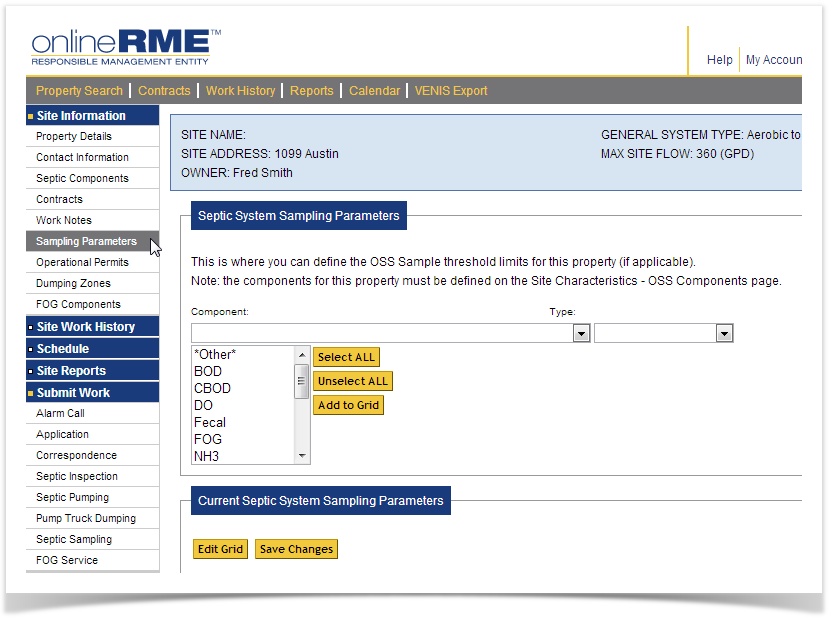
Diagram 1
, multiple selections available,